How to Use a Smartphone While Traveling (For Seniors)
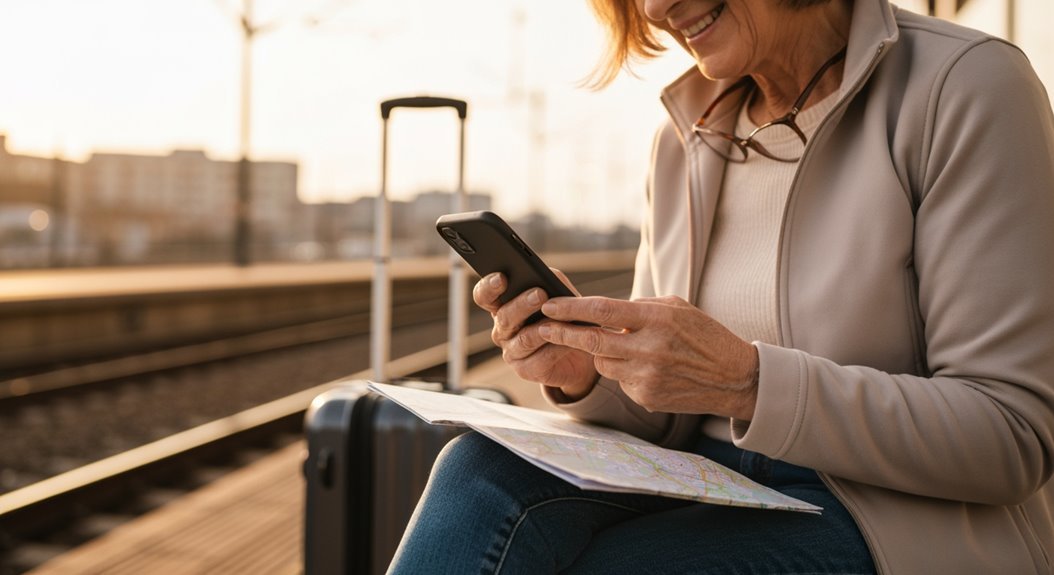
How to use a smartphone while traveling can make your trip easier and safer, especially for seniors. Start by arranging an international data plan so you can stay connected abroad without surprise charges.
Download offline maps before you leave so you can navigate even without Wi‑Fi. Turn on accessibility features like larger text, high-contrast mode, and voice commands to simplify using the phone.
Use communication apps such as WhatsApp or Skype to call and message without extra fees. Consider safety options like sharing your live location with a trusted friend or family member.
Practice these features at home so you feel confident before you travel. Small preparations go a long way toward a smoother, more enjoyable trip.
Preparing Your Smartphone Before Travel
Before you jet off to your dream destination, let’s make sure your smartphone is travel-ready because, let’s face it, you don’t want to be wrestling with tech troubles when you should be sipping a piña colada on the beach!
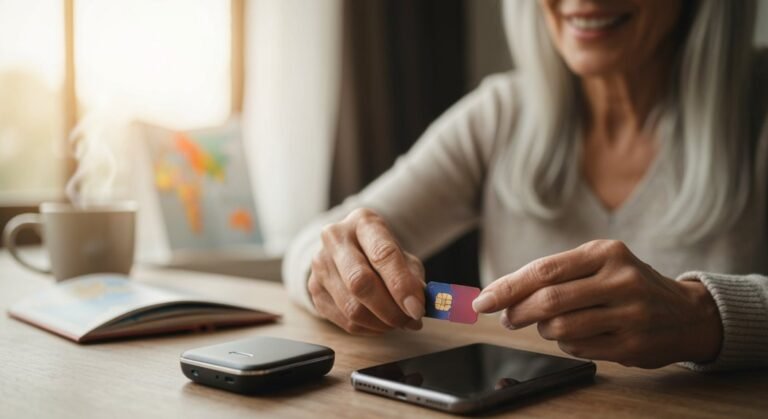
First things first, set up an international data plan before you leave home. This saves you from scrambling at the airport. Also, consider purchasing an eSIM or SIM card ahead of time to avoid headaches. Additionally, remember to update your phone plan for international usage, ensuring you stay connected while exploring new places.
Don’t forget to download offline maps of your destinations, so you can navigate without relying on WiFi. Organize your important documents, tickets, and reservations in a dedicated album on your device.
A little prep now will mean a lot less stress later—now, let the adventure begin!
Managing Accessibility Features While Traveling
Have you ever found yourself squinting at tiny text on a menu in a dimly lit restaurant? It can be frustrating, but don’t worry—your smartphone is here to help!
Start by increasing your text size for easier reading. Enable magnification gestures to zoom in on essential details, like maps or those elusive menu items. High contrast mode can combat poor lighting conditions and make everything pop! Additionally, ensure that your smartphone has long battery life so you can rely on it throughout your travels without the constant need for charging.
If you need more help, consider using a screen reader to hear descriptions of what’s on your screen. For hearing needs, look for phones that work well with hearing aids and enable live captions.
With just a few tweaks, your smartphone can be your trusty travel companion, making every adventure a little smoother!
Navigating Transportation and Directions
When you’re out and about, figuring out how to get from point A to point B can feel like solving a puzzle, especially if you’re maneuvering through new areas. Thankfully, GPS and navigation apps on your smartphone are like a trusty map and compass rolled into one! If you’ve got a less-than-stellar sense of direction, don’t fret—GPS can give your spatial skills a boost, helping you navigate with confidence. Research shows that older drivers using GPS tend to drive more frequently, enhancing their independence on the road.
For those times you prefer public transit, look for user-friendly apps that simplify routes and even offer audio instructions. Want a ride? Services like Uber and Lyft make hopping in and out easy. Just remember, practice makes perfect! So, have fun exploring and let technology be your travel buddy!
Communication and Safety Abroad
Staying connected while traveling abroad can make your adventures even more enjoyable, especially when you’re exploring new places and meeting new faces.
Using apps like WhatsApp or FaceTime, you can make free calls and texts over Wi-Fi, which is a winner! Voice-activated apps and larger fonts can ease communication if you’re facing age-related challenges.
If you hit a language barrier, Google Translate has your back with real-time translations. For safety, set up emergency contacts and keep local emergency numbers handy.
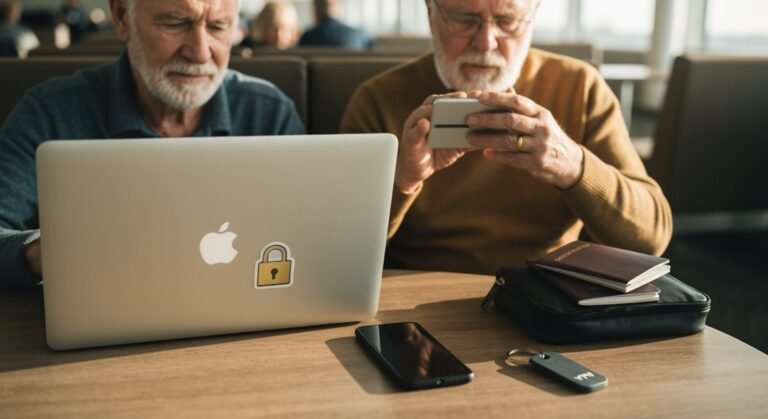
You can even share your location using Life360, so loved ones know you’re safe. Just remember, when it comes to sensitive info, avoid public Wi-Fi. A little caution goes a long way in keeping your travels smooth and secure!
Managing Battery Life and Connectivity
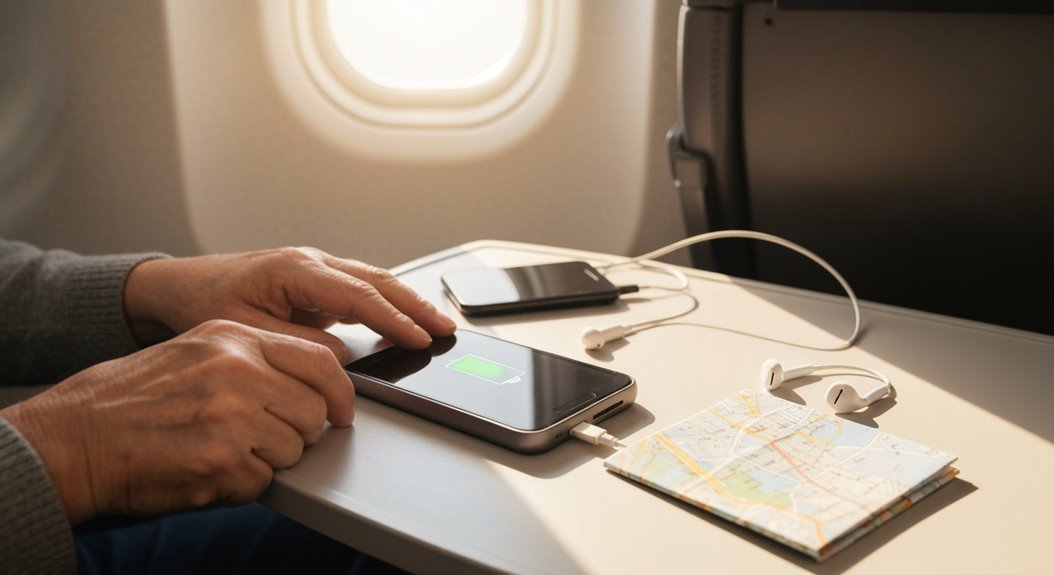
Managing your smartphone’s battery life and connectivity while traveling can feel like a juggling act, but it doesn’t have to be a circus!
With a little know-how, you’ll keep that battery charged and ready for adventure.
Here are some handy tips:
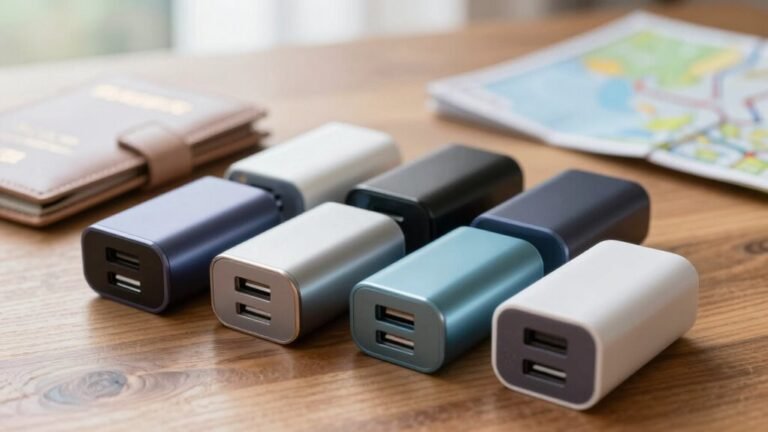
- Charge your phone in short bursts, keeping it between 30-80% to extend battery life.
- Lower your screen brightness and enable Dark Mode to save precious power.
- Switch off Wi-Fi, Bluetooth, and GPS when they’re not needed to conserve energy.
- Connect to Wi-Fi whenever possible to avoid high cellular data usage.
Health and Wellness While Traveling
Traveling opens up a world of health and wellness opportunities for seniors, and who wouldn’t want a boost in their physical and mental well-being?
Studies show that 95% of travelers aged 50 and up find great mental health benefits from their adventures. Exploring new places can improve your brain function and cardiovascular health, slowing the aging process itself.
Plus, spending time with family and friends while traveling strengthens those important social connections. Whether you prefer wellness retreats or vibrant city tours, well-planned trips provide relaxation and joy, helping you escape daily stress.
Setting Up Emergency Information
Exploring new destinations can be exhilarating, but it’s also smart to have a safety plan.
Setting up your smartphone for emergencies can give you extra peace of mind. Here’s how to do it:
- Add trusted contacts to your emergency list (you can call it ICE for In Case of Emergency).
- Attach photos to these contacts—it’s easier to recognize Aunt Betty when you see her smiling face!
- Use Favorites or speed dial for quick access during a crisis.
- Double-check your setup regularly, maybe with a family member or caregiver, to verify everything’s up-to-date.
With these steps, you’ll not only feel secure, but you’ll also be ready for any adventure that comes your way!
Utilizing Offline Resources and Apps
While you might think of online connections as essential for your adventures, there’s a world of offline resources and apps just waiting for you to discover!
Apps like Sygic and MAPS.ME offer stellar 3D offline maps and even handy travel guides. Imagine exploring a city without worrying about internet connections—sounds freeing, right?
With voice-guided navigation, you won’t be glued to your screen, so you can enjoy the scenery instead. Locus and HERE WeGo keep you on track, while Organic Maps lets you save storage by customizing your downloads.
Before you head out, just grab these maps, and you’re set for a thrilling journey, no Wi-Fi needed. So go ahead, embrace the offline world and travel confidently!
Frequently Asked Questions
How Can I Find Local Wi-Fi Without My Smartphone’s Data?
To find local Wi-Fi without using your smartphone’s data, first, ask around!
Staff at cafes, libraries, or hotels often know where to connect. Keep an eye out for signs that say “Free Wi-Fi,” and consider checking a guidebook or brochure—you might just discover a hidden gem.
Plus, look for free municipal Wi-Fi in parks or community centers. Who knows, you might make a new friend while you’re at it!
What Are the Best Apps for Learning Basic Foreign Phrases?
If you’re enthusiastic to learn basic foreign phrases, you’ve got fantastic options!
Duolingo’s bite-sized lessons make language learning fun, while Memrise uses quirky videos to help you remember.
If you like chatting, Falou’s speech recognition will have you practicing real dialogues in no time.
And don’t forget Rocket Languages, where you’ll tackle grammar and conversations!
With these apps, you’ll impress locals in no time—your travel buddies might even be a bit jealous!
How Do I Avoid Scams While Using My Smartphone Abroad?
To avoid scams while using your smartphone abroad, stick to secure Wi-Fi, and use a VPN to encrypt your connection.
Avoid clicking on strange links or downloading mysterious apps, because those are often traps!
Be wary of “free” hotspots—they might cost you your data!
Also, keep your accounts tight with strong passwords.
And remember, if it sounds too good to be true, it probably is—unless you’re talking about that perfect gelato!
Can Someone Help Me Set up My Smartphone Before a Trip?
To set up your smartphone, first, pick a model you’re comfy with, and check it works with your carrier.
Next, make sure it has Wi-Fi, GPS, and a good screen size.
Load essential apps, declutter your home screen, and increase text size for easy reading.
Enable accessibility features like voice commands and magnification, and practice core functions.
If it feels tricky, don’t worry—practice makes perfect, and you’ll be a pro soon!
What Should I Do if My Smartphone Gets Lost or Stolen While Traveling?
If your smartphone gets lost or stolen while traveling, don’t panic!
First, use the “Find My Phone” feature to locate it. If that doesn’t work, call your carrier to suspend service.
Next, report the theft to local authorities for your peace of mind. Let your bank and insurance company know, too.
And remember, laughter is the best medicine—just think of it as a funny travel story you’ll tell later!
Conclusion
So, as you pack your bags and grab your smartphone, remember this: it’s not just a device; it’s your travel buddy. With a bit of prep and a dash of curiosity, you’ll navigate the world with ease, connect with folks, and keep your loved ones updated—all while soaking up the sights. Plus, who knew that discovering local hotspots could lead you to a charming little café serving the best chocolate cake? Enjoy the adventure!