Digital Security: Protecting Your Data When Traveling
Digital security is essential when you travel with devices. Avoid public Wi‑Fi whenever possible and always check that connections are secure before sending sensitive information.
Keep your devices updated and use strong, unique passwords for each account. Enable two‑factor authentication to add an extra layer of protection.
Be cautious with emails and links—phishing attacks are common and can be very convincing. Pause and verify unexpected requests before responding or clicking.
Follow these simple habits and you’ll greatly reduce the risk to your data while jet‑setting.
Understanding Cyber Threats While Traveling
When you’re on the go, it’s only natural to focus on the excitement of exploring new places, but keeping an eye on your digital security is just as important! You wouldn’t want your vacation to turn into a trip to the cyber dark side, right?
As a business traveler, you’re a prime target for phishing scams and social engineering tactics. These cunning hackers love to exploit mobile users, especially when you’re accessing sensitive company data. In fact, recent data indicates a record high of ransomware victims being targeted, serving as a stark reminder of the threats present while traveling.
To stay ahead, use strong passwords—think of them as your digital locks—and enable multifactor authentication on your accounts.
And remember, the Wi-Fi at that café might be easy, but it can also be an open door for cybercriminals. So, stay savvy and travel smart!
The Risks of Public Wi-Fi Networks
Public Wi-Fi networks can feel like a welcoming beacon, inviting you to connect conveniently while sipping your favorite latte.
But beware! That alluring connection might lead you into danger. With a lack of encryption, your data’s out in the open, easy for all those snoopers nearby.
Have you ever seen a network called “FreeAirportWiFi”? Well, it could be a trick! Cybercriminals create fake hotspots that look legit just to snag your sensitive info. Unsecured networks may lack password protection and can easily fall victim to hacking.
Plus, 40% of travelers report getting compromised while using these networks.
Border Device Search Procedures You Should Know
Maneuvering the world of travel isn’t just about booking flights and packing your bags; it also involves understanding the digital landscape you’re stepping into.
When crossing U.S. borders, you might find your devices subject to searches by Customs and Border Protection. They don’t need a warrant or even probable cause. Imagine a CBP officer peeking at your phone—this can happen!
They conduct basic, on-the-spot inspections, or use fancy tools to dig deeper. Everyone, including U.S. citizens, can get selected for a check. The number of searches by CBP has risen significantly since 2016, indicating heightened scrutiny.
Risk Factors Influencing Device Searches
While you might think that your travel worries end at packing your bags, it’s essential to reflect on the digital side of your journey too. The risk factors influencing device searches can be surprising!
Your visa status and country of origin might raise a few eyebrows with border agents. Frequent travel or social media activity could also put you on their radar, especially if you’ve voiced strong opinions or joined protests. Plus, devices filled with sensitive information? Definitely a red flag!
Don’t forget the legal landscape—search rights vary greatly by country. The bottom line? When traveling, your device might feel like a ticking time bomb of potential scrutiny.
Stay aware and informed; your data deserves protection too!
Pre-Travel Device Preparation Strategies
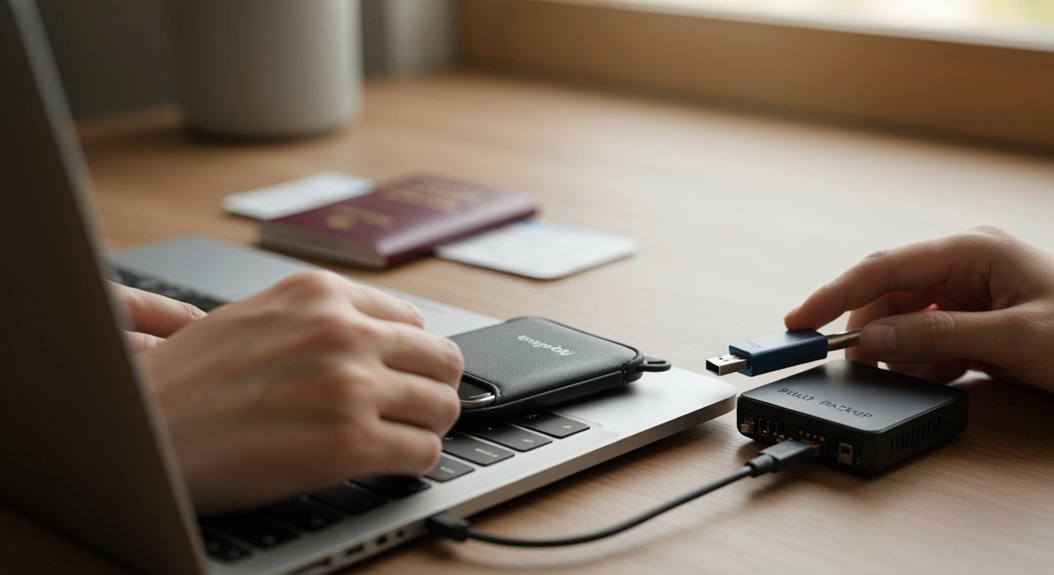
Before you zip up your suitcase and head to the airport, think about your digital devices as travel companions that need a little TLC!
Start by backing everything up—yes, everything—so you can sigh in relief if the worst happens. Consider digitizing important documents and storing them remotely on encrypted cloud services. Remember, keep that backed-up data safe at home!
Next, update your operating system and apps to patch any security holes—no one wants a cyber-criminal as their travel buddy.
And don’t forget to power down devices before security, allowing their encryption to kick in, protecting your secrets.
Finally, be smart and leave behind any unnecessary files to minimize your digital footprint.
Happy travels!
The Importance of Strong Passwords and Encryption
Strong passwords and encryption are your best friends when it comes to keeping your digital life safe, especially while globetrotting!
Think of a strong password as your superpower—mix uppercase and lowercase letters, numbers, and special characters for a 16-character fortress that’s nearly impossible to break.
Now, pair that with encryption, and you’ve got yourself a top-secret vault! Encryption turns your sensitive data into secret codes, keeping nosy neighbors (or hackers) at bay on public Wi-Fi.
When you travel, always remember: if your password was a sandwich, make it a mouthwatering club instead of a sad slice of bread!
So, keep it long, keep it complex, and let encryption do its magic.
Happy travels, and may your data stay safe!
Best Practices for Using Mobile Apps Securely
Protecting your digital life doesn’t stop at passwords and encryption—your mobile apps need some love too!
First, always stick to secure communication channels like HTTPS to keep your data safe from sneaky hackers, especially on public Wi-Fi. Simple, right?
Next up, be picky about app permissions. Grant only what’s necessary so you don’t accidentally spill your life story!
You can also level up your authentication game with biometric options, making it harder for anyone to swipe your info.
Keep your app updated—it’s like a workout for your security!
Finally, don’t forget to log out when you’re done. It’s like shutting the door behind you when leaving a party; you want to keep the unwanted guests out!
Enjoy those travels!
Protecting Personal Information During Travel
While you’re setting off on your exciting journey, keeping your personal information safe is just as important as packing your favorite socks!
Start by locking down your devices with strong passwords and biometric locks. Don’t forget to use encryption software; it makes data useless to thieves if your device gets lost. Always back up crucial info like passports and itineraries to a secure cloud storage before you leave.
While traveling, stay aware of your surroundings, and keep those devices close—no leaving them in hotel rooms!
And if you’re using public Wi-Fi, remember to connect through a VPN to keep snoopers at bay.
Safe travels, and keep those sneaky hackers away from your personal data!
Leveraging Biometric Technology for Security
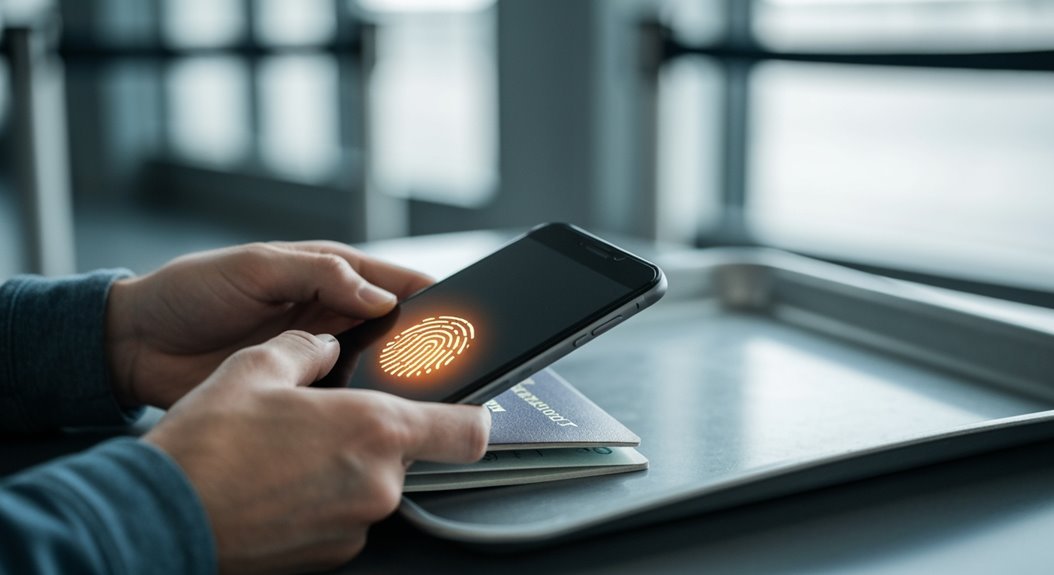
Imagine breezing through airport security without the usual stress and hassle—sounds like a dream, right? Well, welcome to the future!
With biometric technology, you can speed through by simply showing your face. This amazing tech uses facial recognition to verify your identity, making things up to five times faster than traditional checks.
Say goodbye to fumbling for passports! Just stand in front of a camera, and voilà—you’re cleared. Plus, it greatly reduces fraud, eliminating counterfeit documents.
With 238 US airports already on board and 98% of airlines planning implementation, it’s clear that biometrics are the way to go. Embracing this technology means less time in lines and more time enjoying that tasty airport coffee!
Tips for Safe Online Transactions on the Go
When you’re traveling and craving that perfect souvenir or booking a last-minute hotel, the last thing you want is to worry about your online safety.
So, let’s keep it simple! First, avoid using public Wi-Fi for banking or shopping; stick to your mobile network or a personal hotspot.
Consider a VPN—it’s like a secret tunnel for your data, yet only one in three travelers use it!
Be on the lookout for fake Wi-Fi networks that sound a little too good to be true.
When making transactions, make sure you see “https://” in the URL and a little lock icon—think of it as a virtual bouncer.
And hey, don’t click on suspicious emails; they’re like traps set by sneaky hackers!
Frequently Asked Questions
How Can I Identify a Fake Wi-Fi Network?
To spot a fake Wi-Fi network, keep an eye out for strange names or ones that slightly differ from the real deal, like “Free Café Wi-Fi.”
If you see multiple similar networks or a surprisingly strong signal, that’s a red flag!
Also, avoid networks asking for personal info or exhibiting odd behavior.
When in doubt, ask someone nearby to confirm the network name.
Stay savvy and keep your data safe while you surf!
What Are the Consequences of a Device Search at the Border?
When customs gets their hands on your device at the border, it can feel like a surprise party you didn’t want to attend! They can uncover personal details, which might lead to visa headaches or even deportations.
Plus, they could get a little too warm and fuzzy with your data—like snooping through your diary! So, pack light on sensitive info to keep the fun of traveling intact and avoid unexpected drama.
Can I Refuse a Border Device Search?
You can refuse a border device search, but things might get tricky!
If you’re a U.S. citizen, they won’t deny you entry, but they may take your device for a thorough look.
Non-citizens, however, risk being denied entry if they say no.
So, while it’s your call, keep in mind that saying “no thanks” can lead to longer travel waits or even unwanted baggage checks.
Just a little border fun for you!
Are My Biometric Data Safe From Hackers?
Your biometric data isn’t as safe as you’d like! Imagine this—a hacker crafting a 3D mask of your face, or impersonating your voice with a click of a button. Yikes, right?
Once stolen, your fingerprints are as good as gone. You can’t change them like a password!
With biometrics on the rise, it’s essential to stay alert. Invest in multi-factor security and keep those pesky cybercriminals at bay!
Keep smiling, though—you’re not alone in this fight!
What Should I Do if My Data Is Compromised While Traveling?
If your data gets compromised while you’re jet-setting, don’t panic!
First, check the scope—what’s affected? Notify your bank and change passwords pronto.
Then, share the news with anyone whose info might be involved. Think of it as a group chat warning!
Stay on top of your credit monitoring, and consider identity protection services.
Finally, learn from the experience; keep your data safer next time, like a pro traveler!
Conclusion
As you set off on your travels, think of your data as precious cargo—handle it with care! By staying mindful of cyber threats, securing your devices, and using tech wisely, you can keep your personal information safe. Remember, just like packing your suitcase, preparing your digital presence is key to a smooth journey. So, embrace the adventure and enjoy every moment, knowing you’re equipped to tackle any digital bumps along the way! Safe travels!