
Using Public Wi-Fi Safely: Tips for Older Travelers
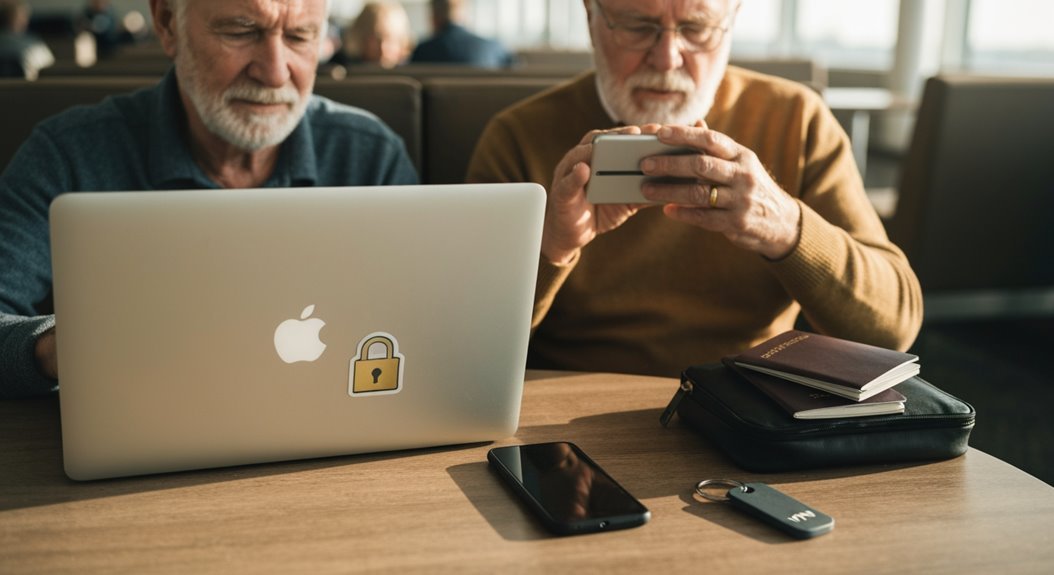
Using public Wi-Fi safely is important for older travelers who want to stay connected without risking their personal information. Think of public networks like a crowded market—convenient but potentially risky—so take simple precautions to protect your data.
Always use a VPN; it creates a secure tunnel for your internet traffic and makes it much harder for others to intercept what you do online. Stick to trusted networks, and double-check names with staff so you don’t accidentally join a fake hotspot.
Look for “https://” at the start of web addresses before entering passwords or payment details, and when in doubt, avoid accessing sensitive accounts on public Wi‑Fi. Small habits go a long way toward keeping your online activities safe while you travel.
Understanding Public Wi-Fi Risks
Have you ever wondered what’s lurking behind that seemingly innocent public Wi-Fi hotspot? Well, it’s not just your favorite cat video!
These networks are often wide open and unencrypted, making it super easy for sneaky hackers to intercept everything you send and receive. Imagine a hacker sitting in a café, sipping coffee while quietly reading your emails or snagging your credit card info—yikes!
Since public Wi-Fi lets anyone join, it’s like an all-you-can-eat buffet for cybercriminals. They can use tricks like Man-in-the-Middle attacks to sneak in between your device and the internet. Total hotspots reached 549 million by the end of 2022, which highlights how prevalent these insecure networks have become.
Plus, rogue hotspots can look so legit that you might unknowingly connect to a hacker’s network. And don’t get me started on malware—it’s like finding digital cockroaches on your favorite cake!
The Importance of Using a VPN
When you hop onto a public Wi-Fi network, it’s like walking into a digital minefield—so many potential threats just waiting to ambush your sensitive information!
That’s where a VPN swoops in like a superhero to save the day. A Virtual Private Network encrypts your data, turning it into a secret code so outsiders can’t read it. It hides your IP address, creating a secure tunnel between your device and the internet, making it extra tough for hackers and nosy third parties to track your online moves. One of the most reassuring aspects of using a VPN is that it offers high-level security measures like 256-bit encryption, ensuring your communications remain unreadable to interceptors.
Imagine shopping online or checking your bank account in a café without that nagging worry!
A good VPN secures your login info and personal details, guarding you against identity theft and those pesky peer-to-peer attacks.
Tips for Choosing Safe Wi-Fi Networks
So, you’ve got your trusty VPN ready to tackle those digital villains while using public Wi-Fi—great move!
Now, let’s talk about how to choose safe Wi-Fi networks. First, always double-check the network name. A sneaky mimicked name could lead you to a trap. Stick with networks from trusted businesses, like hotels or cafes, and stay away from those open, passwordless connections.
Look for networks using WPA3 encryption—it’s like having the latest superhero gear! If that’s not an option, WPA2 is fine, but avoid anything older. Remember, using a VPN helps establish encrypted connections that safeguard your data even on public networks.
Before connecting, disable automatic settings on your device, so it won’t jump onto a risky network without you noticing.
Feeling adventurous? Skip accessing sensitive info on public Wi-Fi; stick to safer browsing.
Protecting Your Sensitive Information
While it may feel like the wild west out there on public Wi-Fi, protecting your sensitive information doesn’t have to be a challenging task! First off, don’t forget to look for that little “HTTPS” in the web address—it’s your friend, indicating secure data transmission.
But beware; it’s not foolproof! Cybercriminals can still set up sneaky sites that seem safe.
Another smart move is using a Virtual Private Network (VPN). Think of it as your personal security guard for online activities, keeping nosy eavesdroppers at bay.
Plus, enabling multi-factor authentication (MFA) on your accounts adds an extra layer of protection. If someone gets hold of your password, they’ll still need the second layer to break in.
Lastly, be sure to disable file sharing! Why broadcast your secrets to the world when you can keep them to yourself?
Stay savvy and enjoy your travels!
Ensuring Device Security and Maintenance

Keeping your devices secure and well-maintained is absolutely essential for a worry-free internet experience!
After all, you wouldn’t leave your front door wide open, right? Here are some simple steps to keep your devices safe:
- Regularly update your software and application, keeping those pesky bugs at bay.
- Install reliable antivirus software and never underestimate the power of a trusty VPN!
- Manage your Wi-Fi settings, so they play nice and don’t connect to sneaky networks.
- Keep device features like Bluetooth off in public—think of it as a “do not disturb” sign for hackers!
Behavioral Strategies for Safe Wi-Fi Use
You’ve got your devices all secured and ready to go, but what about your behavior when you’re cruising the public Wi-Fi waves?
First off, avoid logging into sensitive accounts. No need to tempt fate—this isn’t a bank heist! Instead, stick to casual browsing. Be aware of your surroundings too; if someone’s peering over your shoulder like they want to steal your lunch, shield your screen.
When connecting to Wi-Fi, always verify the network’s authenticity—no one wants to join “Free Coffee Wi-Fi” only to end up on a hacker’s hotspot. Disable auto-connect features and file sharing, ensuring your data stays yours.
Finally, consider using a VPN to keep prying eyes away. It’s like a secret tunnel for your information—covert and cool!
With these behavioral strategies, you’ll surf the public Wi-Fi waves with confidence and a laugh, ready to enjoy your traveling adventures.
Frequently Asked Questions
What Are Some Signs of a Rogue Hotspot?
Some signs of a rogue hotspot include suspicious network names like “Free Wi-Fi” or duplicates of legit networks, which are red flags!
You should also watch for weirdly strong signals where you wouldn’t expect them and frequent disconnections. If you see unexpected pop-ups asking for personal info, that’s your cue to run!
And remember, if a network demands odd apps for access, it’s best to steer clear. Stay smart and surf safely!
Can I Use Free VPN Services Safely?
You can use free VPN services, but you’ve gotta be careful!
They might slow you down, leak your data, or even introduce malware—yikes! Think of it as picking a movie: you want a good plot, not a scary surprise.
Stick to trusted options like Proton VPN or Windscribe, and remember they’ve limits.
If your online safety is a top priority, consider investing in a paid VPN for peace of mind.
Happy surfing!
How Can I Tell if a Website Is Secure?
To tell if a website’s secure, look for the padlock icon next to the URL in your browser. If it’s there and the address starts with “https://”, you’re in good shape!
Click that padlock to check if the SSL certificate is valid. Watch out for warnings like “Not Secure”—those should raise your eyebrows!
After all, you wouldn’t want to stroll into a questionable neighborhood on the internet, right? Stay safe and click wisely!
What Should I Do if My Device Is Stolen?
If your device gets stolen, don’t panic!
First, use features like “Find My Device” to locate it. If you can’t find it, remotely erase your data to keep your info safe.
Next, change your passwords, starting with your email—you don’t want a thief accessing your accounts!
Finally, file a police report; it’s a key step for tracking your device and dealing with insurance.
Just take a deep breath, you’ve got this!
Are Public Wi-Fi Networks Completely Unsafe?
Are public Wi-Fi networks completely unsafe? Well, not exactly!
While they do come with risks, like hackers lurking and stealing your data, you can use them safely with some savvy steps.
Think of it as traversing a busy street; just look both ways. Use a VPN, avoid personal transactions, and stick to reputable sites.
It’s possible to enjoy your coffee and connect online without losing your digital marbles—just stay alert and take precautions!
Conclusion
So there you have it—navigating public Wi-Fi can be as easy as pie when you take a few savvy steps! Think of your online safety as a cozy blanket wrapping you up while you explore the world. By choosing safer networks, staying aware, and keeping your device secure, you can enjoy your travels without worry. Remember, a little caution can keep those pesky cyber gremlins at bay, letting you sip that coffee and scroll in peace! Safe travels!