The 5 Best Portable Wi-Fi Hotspots for Travel in 2026: Reliable Connectivity on the Go
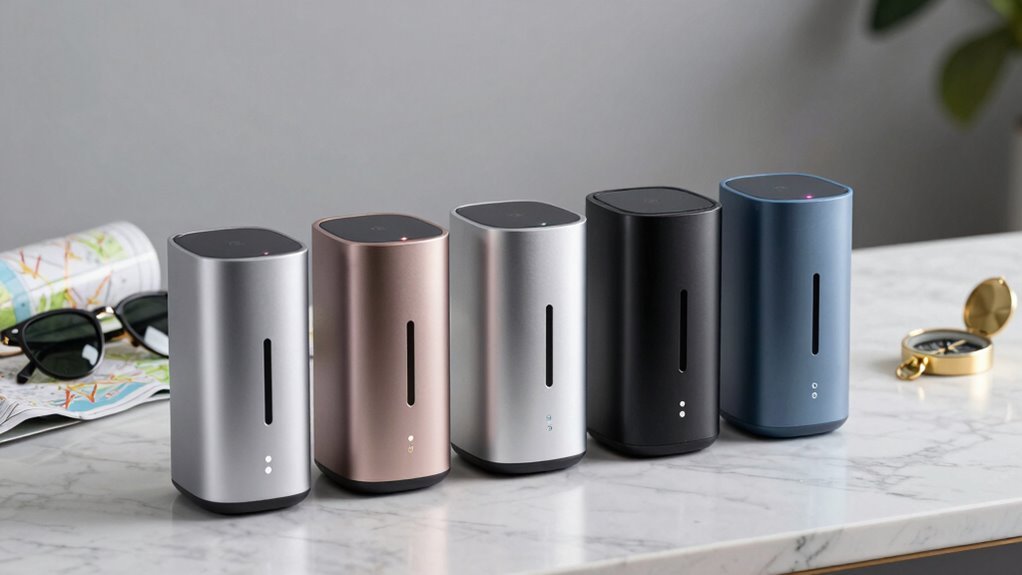
If you travel with multiple devices, you want reliable internet wherever you roam. This year’s top five portable hotspots promise broad coverage, solid battery life, and simple setup. From the SIMO Solis Hero to the TP-Link Travel Router and cloud hotspots, you’ll find options for several devices and countries. But your choice should fit your destinations and data needs—stick with me as we break down the specifics and what matters most for your trips.
| SIMO Solis Hero 4G LTE Global Data Hotspot | 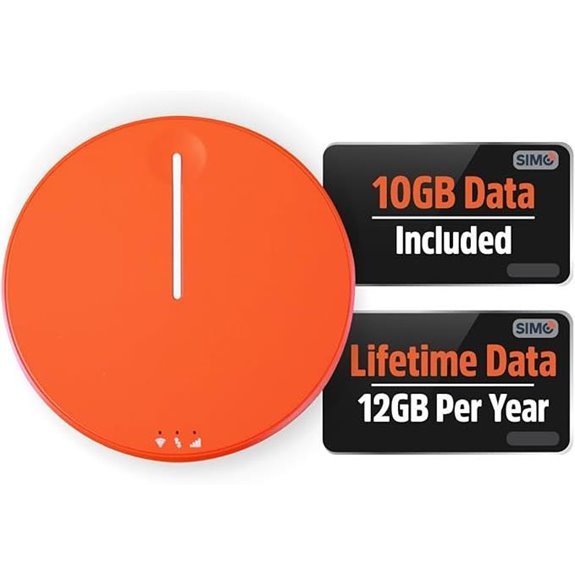 | Best Global Coverage | Type: 4G LTE Hotspot | Global coverage: 140+ countries | Battery / power option: Power bank capable | VIEW LATEST PRICE | Read Our Analysis |
| SIMO Solis Go 4G Global Data Mobile Hotspot | 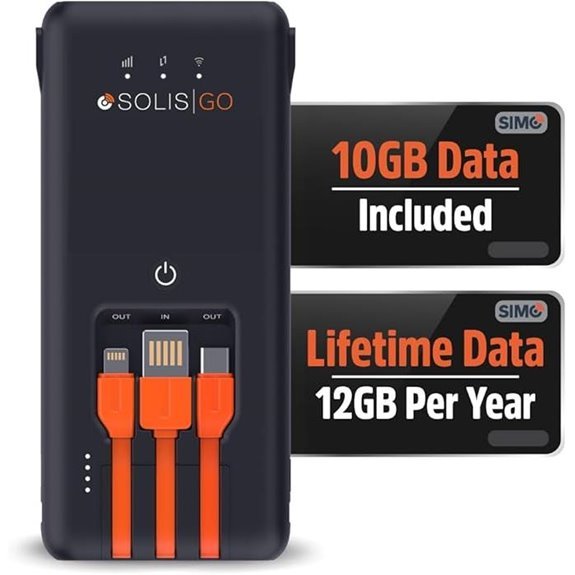 | Multi-Device Hotspot | Type: 4G Mobile Hotspot | Global coverage: 140+ countries | Battery / power option: Battery included | VIEW LATEST PRICE | Read Our Analysis |
| TP-Link Travel Wi-Fi 6 AX1500 Router TL-WR1502X | 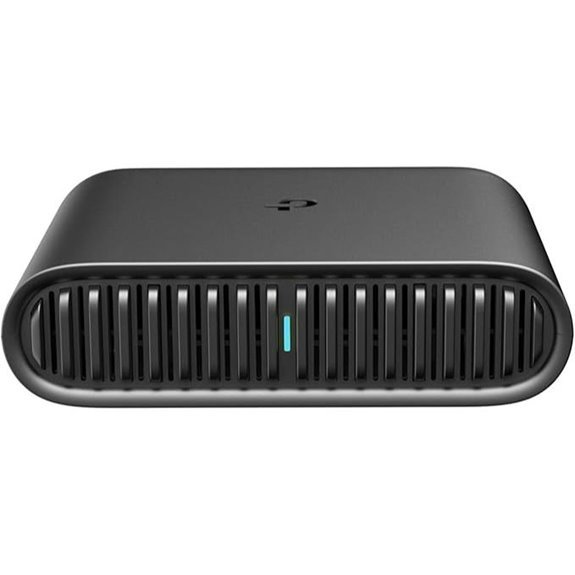 | Top Travel Router | Type: Travel Wi-Fi Router | Global coverage: Not specified | Battery / power option: Power via USB-C PD/QC (no built-in battery stated) | VIEW LATEST PRICE | Read Our Analysis |
| M5 Portable WiFi Hotspot 160+ Countries 10 Devices | 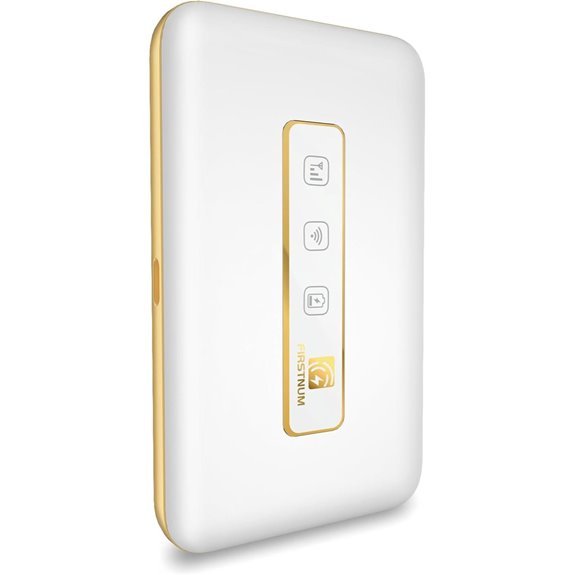 | Ultra-Portable Value | Type: M5 Portable WiFi Hotspot | Global coverage: 160+ countries | Battery / power option: 3000mAh battery | VIEW LATEST PRICE | Read Our Analysis |
| Cloud Portable WiFi Hotspot for Travel (4G LTE) | 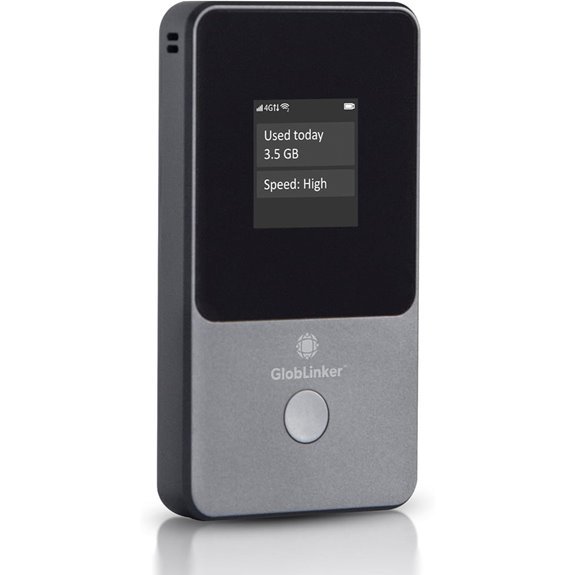 | Flexible Pay-As-You-Go | Type: Cloud Portable WiFi Hotspot | Global coverage: 130+ countries | Battery / power option: Up to 15 hours battery life | VIEW LATEST PRICE | Read Our Analysis |
More Details on Our Top Picks
SIMO Solis Hero 4G LTE Global Data Hotspot
If you’re a traveler who needs global, plug-and-go connectivity without monthly contracts, the SIMO Solis Hero 4G LTE Global Data Hotspot is a strong match. It covers 140+ countries with access to 300+ carriers, delivering reliable signal and high-speed data wherever you roam. You can connect up to 10 devices, while the 12GB Lifetime Data per year plus 10GB Global Data keep you online longer. It also doubles as a power bank and supports Wi-Fi 5, with SignalScan technology locking onto the strongest signal. No SIMs or contracts; manage plans via the Solis app. Secure, simple, and ready now.
- Type:4G LTE Hotspot
- Global coverage:140+ countries
- Battery / power option:Power bank capable
- Device limit:Up to 10 devices
- SIM / contract model:No SIM, no contract
- Setup / management app:Solis app
- Additional Feature:SignalScan Technology
- Additional Feature:Power bank functionality
- Additional Feature:12GB annual lifetime data
SIMO Solis Go 4G Global Data Mobile Hotspot
The SIMO Solis Go 4G Global Data Mobile Hotspot shines as a travel companion thanks to its no-SIM, multi-carrier design that works in 140+ countries. You connect up to 16 devices, get reliable WiFi across 300+ carriers worldwide, and start with 1GB of high-speed data per month for the device’s lifetime, with an optional 10GB global data add-on. It doubles as a power bank with up to 24 hours of battery life, and its compact 7.8 x 4.29 x 2.05 inches, 15.2-ounce frame fits in your bag. Setup is through the Solis app; rated 4.0/5 from 671 reviews online.
- Type:4G Mobile Hotspot
- Global coverage:140+ countries
- Battery / power option:Battery included
- Device limit:Up to 16 devices
- SIM / contract model:No SIM card, no contract
- Setup / management app:Solis app
- Additional Feature:Built-in travel cables
- Additional Feature:24-hour battery life
- Additional Feature:16-device support
TP-Link Travel Wi-Fi 6 AX1500 Router TL-WR1502X
For travelers who crave reliable Wi‑Fi on the go, the TP-Link Ultra-Portable Wi-Fi 6 AX1500 Travel Router TL-WR1502X stands out with its compact, lightweight design and true multi‑mode versatility. This pocketable unit measures 4.09 by 3.54 by 1.10 inches, weighs 5.4 ounces, and is built without moving parts for durability. You get dual‑band Wi‑Fi 6 with up to 1201 Mbps on 5 GHz and 300 Mbps on 2.4 GHz, plus modes like Router, AP, Range Extender, Hotspot, Client, and 3G/4G modem. USB sharing lets you access files from drives and tether your phone, while USB‑C power supports PD/QC banks.
- Type:Travel Wi-Fi Router
- Global coverage:Not specified
- Battery / power option:Power via USB-C PD/QC (no built-in battery stated)
- Device limit:Not specified
- SIM / contract model:Not explicitly stated
- Setup / management app:Tether App
- Additional Feature:External USB sharing
- Additional Feature:Tether App support
- Additional Feature:Captive Portal authentication
M5 Portable WiFi Hotspot 160+ Countries 10 Devices
Travelers who need reliable, on-the-go Wi-Fi will appreciate the M5 Portable WiFi Hotspot, covering 160+ countries and letting up to 10 devices stay connected. No SIM card hassles here—you can choose a prepaid data package and let it auto-switch to the strongest 4G signal. Its ultra-compact design fits in pockets or bags, connects 10 devices, and includes a 3000mAh battery for up to six hours. Charge via Type-C for quick returns, and rely on secure connections backed by advanced privacy protocols. Manufactured by FIRSTNUM in Hong Kong, it’s rated 5.0 from 25 reviews and debuted August 26, 2025, best-seller.
- Type:M5 Portable WiFi Hotspot
- Global coverage:160+ countries
- Battery / power option:3000mAh battery
- Device limit:Up to 10 devices
- SIM / contract model:No contracts
- Setup / management app:Solis app
- Additional Feature:160+ countries coverage
- Additional Feature:Auto-switches strongest 4G
- Additional Feature:3000mAh battery
Cloud Portable WiFi Hotspot for Travel (4G LTE)
Powered by CloudSIM Technology, this portable hotspot is ideal if you need reliable 4G LTE connectivity across 130+ countries without managing SIMs or contracts—perfect for RV owners, remote workers, business travelers, and international tourists. You activate and go, with automatic network connection and up to 16 secure devices on WiFi. Choose Flexible Prepaid Data with pay-as-you-go plans for 3, 7, 30 days, or 1 year, plus 10GB USA data free for testing. It runs up to 15 hours per charge, weighs 6.6 ounces, and comes with a lifetime warranty from GlobLinker. ASIN B0DZR1FLP4 and GEN2 model included for reference.
- Type:Cloud Portable WiFi Hotspot
- Global coverage:130+ countries
- Battery / power option:Up to 15 hours battery life
- Device limit:Up to 16 devices
- SIM / contract model:No SIM cards, contracts, or subscriptions
- Setup / management app:CloudSIM-based setup/management (implied via CloudSIM ecosystem)
- Additional Feature:CloudSIM technology
- Additional Feature:10GB USA data free
- Additional Feature:Pay-as-you-go plans
Factors to Consider When Choosing Portable Wi-Fi Hotspots for Travel
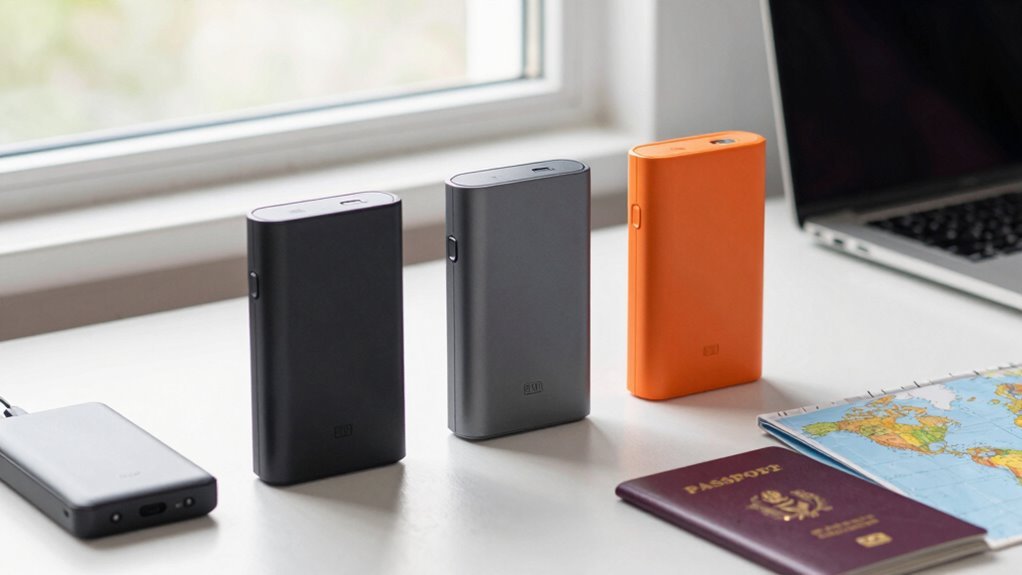
Think about where you’ll travel and which carriers cover those countries, since that shapes your hotspot options. Check data plans and validity to avoid surprises when you’re abroad, and note battery life to keep you online on the go. Also consider how many devices you’ll connect and how portable the unit is, so it fits your luggage without weighing you down.
Coverage Countries and Carriers
When choosing a portable Wi‑Fi hotspot, start by checking its coverage to guarantee it works in over 140 countries, a common benchmark among reputable models. Look for devices that connect to more than 300 global carriers, so you’re not stranded when you cross borders. Choose one that automatically switches to the strongest signal in your region, delivering reliable connectivity without manual fiddling. Pick a hotspot that lets up to 16 devices connect at once, so travel companions and gadgets stay online together. Prioritize models known for seamless roaming and quick network handoffs, letting you focus on your trip rather than chasing coverage. Also confirm compatibility with regional networks and firmware updates that keep speeds optimal. A well-supported device reduces the risk of dead zones.
Data Plans and Validity
Data plans and validity determine how you’ll stay online on the road, so look for options that fit your travel pace and budget. Some hotspots offer a lifetime data plan, giving a set amount of high-speed data each month without expiration, which can be great for consistent usage. You’ll find additional data packages you can purchase—10GB or time-based plans like daily, weekly, or monthly—to scale as your needs change. Seek flexible prepaid options so you’ll won’t be locked into contracts. Verify the device supports global coverage in 140+ countries and includes automatic network connection technology to switch to the strongest signal across carriers.
Compare provider terms, data speed, and renewal rules to avoid surprises, and prioritize models with easy online management for total control.
Battery Life Longevity
Battery life is a top travel concern, with some hotspots lasting up to 24 hours on a single charge. When you’re on the road, you’ll appreciate models with Type-C charging ports for quick recharges so you can keep moving between layovers. Battery capacity varies by model, and you may see devices that run from about 6 to 15 hours under typical use, which means you’ll want one that matches your daily pattern. Look for travel-oriented designs that emphasize energy efficiency to stretch every milliamp‑hour without sacrificing reliability. Real‑world performance depends on how many devices you connect and how much data you pull. If long days ahead mean long standby, prioritize higher-capacity batteries and efficient power management to stay connected. Choose a model for itineraries.
Device Connectivity Capacity
Beyond battery life, how many devices you can connect at once shapes how you travel with others. Most hotspots support 10 to 16 simultaneous connections, so you can invite family or colleagues to share the network without bottlenecks. A higher capacity matters on group trips, ensuring everyone stays online for maps, messaging, and streaming. Seek models that offer a wide range of connection options, including multi-carrier networks for extra connections when needed. The key is keeping speeds steady even as you add devices, so your streaming or downloads don’t stall. Some devices include automatic signal switching to maintain connectivity as you move through coverage zones. Choose a unit that balances capacity, reliability, and easy pairing. That balance helps everyone stay productive with less hesitation.
Portability and Weight
A compact design helps you slip a hotspot into a pocket or bag, typically measuring 4 to 8 inches long. Look for a lightweight device, ideally 4 to 15 ounces, so it adds minimal bulk as you travel. A lower weight makes it easier to carry all day without noticing your hotspot in your pack. Portability also comes from practical touches like built-in cables or a battery that lasts through long flights and layovers, letting you recharge on the go. Ultra-compact designs—often 5.4 to about 15 ounces—are common, helping you stash the unit in a pocket or small pouch. Durability matters, too: a device with few moving parts tends to withstand bumps and daily use during frequent trips. In short, choose portability that fits your itinerary. Focus on size, weight, and reliability to guarantee comfortable travel without sacrificing connectivity through long journeys and excursions.
Security Features
For safe, private connectivity on the road, choose portable hotspots that encrypt your Wi‑Fi traffic and support strong security protocols. Look for devices that provide secure encrypted connections to protect your data when you’re on public networks. Verify the unit includes advanced security protocols to prevent unauthorized access and keep your connected devices secure. Some hotspots automatically switch to the strongest available signal, maintaining a secure connection without you lifting a finger. Consider models that don’t rely on SIM cards or contracts, as this can reduce data interception risks. Also evaluate easy setup for password protection and the ability to manage connected devices, giving you clear control over your network privacy. Prioritize updates and vendor reliability to keep security features current, in every purchase.
Frequently Asked Questions
How Are International Roaming Charges Managed With These Devices?
You avoid roaming charges by using built-in eSIM or global SIM plans, or buying data passes; the hotspot taps local networks, and you’ll see predictable daily or monthly caps, with automatic switching to partners abroad.
Can You Use Multiple SIMS in a Single Hotspot?
Like juggling fireflies, you can use multiple SIMs on select hotspots—dual-SIM or eSIM models exist, but not all devices support it; check specs, then choose a unit that lets you switch SIMs on the fly.
What Is Real-World Battery Life for These Devices?
Real-world battery life varies, but you can expect 6–12 hours with typical use, sometimes more with power-saving modes; heavy streaming or multiple connections drains it faster, so carry a portable charger on longer trips, definitely.
Do They Support Esim or Only Physical SIMS?
Some models support eSIM, others require a physical SIM. You’ll find options with both, so you can switch carriers easily, activate instantly, and stay online anywhere, anytime, without hunting for SIM trays or adapters today.
How Secure Are Hotspots on Public Networks?
Public hotspots can be risky. You should use a VPN, enable firewalls, and stick to HTTPS sites. The hotspot itself isn’t fully secure, so verify connections, disable file sharing, and avoid sensitive transactions on networks.
Conclusion
Ultimately, you’ll find that no single device fits every journey. The right hotspot slips into your pocket, promises steady connections, and eases the stress of staying online while you roam. With patience, you’ll discover a balance between speed, battery life, and coverage that feels almost like a friendly nudge toward adventure. Choose smartly, test boldly, and trust that the right choice makes travel lighter, not heavier, on your mind—and your data budget for brighter trips.