Using Google Maps and Translate on Your Trip
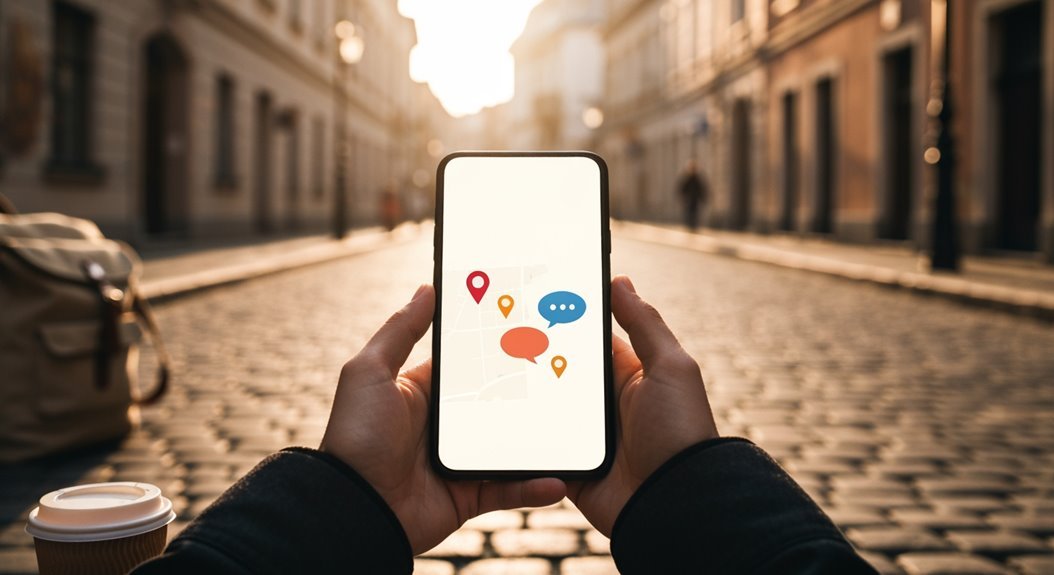
Using Google Maps and Translate on your trip makes traveling a breeze! With turn-by-turn navigation, you’ll find the best routes in real-time while avoiding traffic jams.
When you’re in a foreign land, Google Translate’s voice and camera features let you chat effortlessly and read menus without guesswork. Just snap a photo or speak your request.
Trust me, these tools turn travel hiccups into smooth adventures. Keep exploring to discover more fun features that’ll enhance your journey!
Enhancing Navigation With Google Maps
When you’re planning a trip, maneuvering unfamiliar streets can feel like trying to solve a puzzle with missing pieces. Thankfully, Google Maps is here to save the day!
With 76% of users relying on turn-by-turn navigation weekly, you’ll find it a breeze to get where you need to go. The voice navigation feature adds an extra touch of ease—52% of drivers use it, keeping your hands free for snacks! Furthermore, with over 2.2 billion active users utilizing the app globally, you’ll be in good company as you explore your destination.
Real-time traffic updates refresh every couple of minutes, so you’ll dodge those pesky delays like a pro. Plus, glanceable directions give you quick ETAs right on your lock screen.
You’ll discover new spots as you navigate, making every turn just as exciting as a treasure hunt!
Overcoming Language Barriers With Google Translate
Finding your way in a new city can be challenging, especially when you don’t speak the local language. Thankfully, Google Translate has your back! You can download language packs for offline use, which is super handy when you’re in a remote area with patchy Wi-Fi.
Just imagine snapping a photo of that tricky menu or street sign, and voilà—instant translation! Plus, you can talk into your phone, letting it do the translating work while you focus on enjoying your trip. With offline functionality available, you can communicate effectively even without an internet connection.
And don’t forget the Conversation Mode, where you can chat back and forth like a pro. With Google Translate, it’s like having a personal interpreter right in your pocket! So go ahead, plunge into new experiences without the language barriers.
Real-Time Translation Features for Travelers
The magic of real-time translation features makes exploring foreign places a breeze! With Google Maps now able to speak place names in the local lingo, just tap the speaker icon next to the address, and voilà—instant audio translation!
It even smartly suggests languages based on your device settings and location, covering 50 languages at launch. Need to chat with locals? The integration with Google Translate lets you have smooth conversations, perfect for giving taxi drivers directions or asking for help. Supported languages are continuously being expanded to enhance your travel experience.
Plus, the live conversation mode supports back-and-forth chats in over 70 languages. It’s like having a personal translator in your pocket!
Traveling just became way less intimidating, bringing you closer to new cultures and experiences. Enjoy your adventures!
Visual Translation With Camera Functionality
Exploring new destinations gets even more thrilling with the ability to translate text visually using your phone’s camera!
With instant camera translation at your fingertips, you’re ready to tackle foreign signs and menus. Here’s how you can make the most of it:
- Instant Mode: Point your camera at any foreign text, and voila—real-time translation appears!
- Scan Mode: Snap a picture of text and highlight what you need to understand.
- Import Mode: Translate text from your photo gallery, including those quirky signs you’ve captured.
- Offline Use: Download languages ahead of time so you can still translate when you’re off the grid.
With just a little prep, you’ll navigate like a pro and embrace the adventure fully!
Streamlining Access With Widgets and Quick Tools
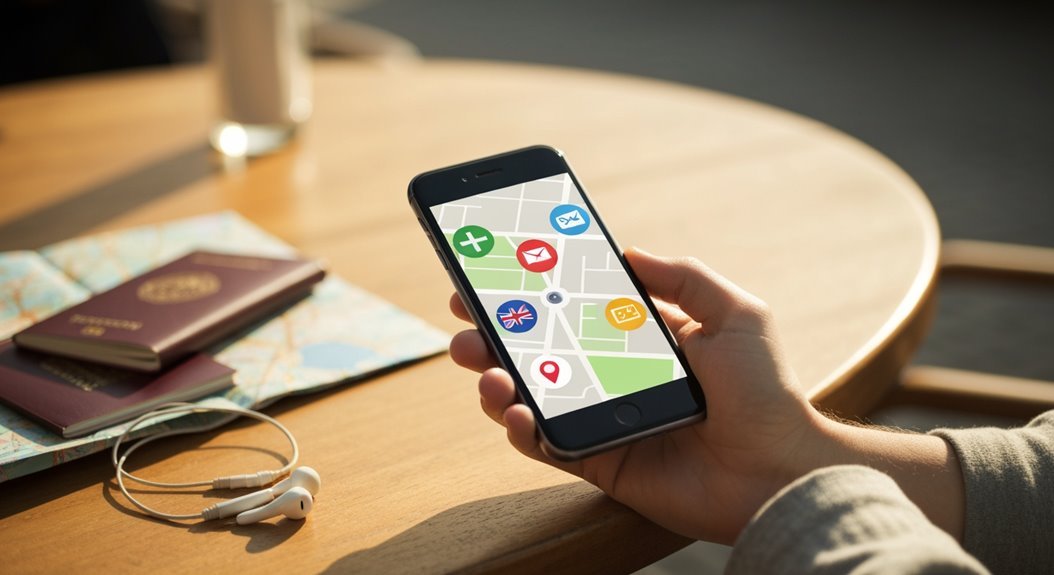
With Google Translate’s widgets and quick tools, tackling language barriers becomes a breeze, especially when you’re off on an adventure!
You can easily add these handy widgets to your Home screen, just by long-pressing an empty spot or the Translate app icon. The “Translate Quick Actions” widget lets you voice your needs, hold conversations, or even translate text with your camera—no need to dig through apps!
Plus, the “Saved Translation” widget keeps your recent translations right at your fingertips. And guess what? You can resize these widgets to fit your style!
Frequently Asked Questions
How Do I Change the Language Settings in Google Maps?
To change the language settings in Google Maps, start by opening the app or the website.
On desktop, click the hamburger icon in the top left, choose “Language,” and select your preferred language.
For the app, tap your profile picture, go to “Settings,” then “App language,” and pick your favorite.
Just like that, you’ll see your maps talking in your language! Voila, exploring just got a whole lot more fun!
Can I Use Google Translate Offline While Traveling?
Absolutely, you can use Google Translate offline while traveling!
Just download the language packs for both the source and target languages before you head out—think of it as packing your linguistic snacks for the journey.
Whether you’re trying to chat with locals or read signs, the offline mode’s got you covered.
Just remember, it’s great for quick phrases, but don’t rely on it for translating Shakespeare!
Happy travels! 😊
Is There a Limit to the Number of Languages I Can Translate?
You can translate to as many languages as you like with Google Translate—there’s no daily limit!
Each request allows you to tackle up to ten different languages, which is pretty awesome.
Just remember, though, your character count matters. If you’re flying through text, you’ll want to keep an eye on that!
How Do I Report Inaccuracies in Google Maps or Translate?
Reporting inaccuracies in Google Maps or Translate’s like fixing a puzzle—every piece counts!
For Maps, just right-click or tap the spot needing help, choose “Report a data problem” or “Suggest an edit,” and share the details.
With Translate, find and click the translation you think is off, then suggest a correction.
Google loves a good fix, so don’t hesitate—your input makes maps better for everyone and might just save someone from a wrong turn!
What Devices Are Compatible With Google Maps and Translate Features?
You’ll find Google Maps and Translate are super compatible with a bunch of devices!
Most Android smartphones running Android 8.0 or later work great, along with iPhones and iPads that have the latest iOS updates.
If you’re rocking a Garmin smartwatch, you’re in luck too, as a few models can give you turn-by-turn directions.
Plus, tablets like the Moto Tab G62 can handle the fun, making navigation a breeze wherever you go!
Conclusion
So, whether you’re wandering the winding streets of a new city or dining on delicacies, Google Maps and Translate can be your trusty travel team. Navigate with ease, and break through language barriers like a pro! With quick clicks and clever camera features, you’ll find fun in every fantastical experience. Don’t let confusion cloud your journey—equip yourself with these handy tools, and commence your adventure with confidence, curiosity, and a dash of charm! Safe travels!