Setting Up Your Phone for Emergencies Abroad
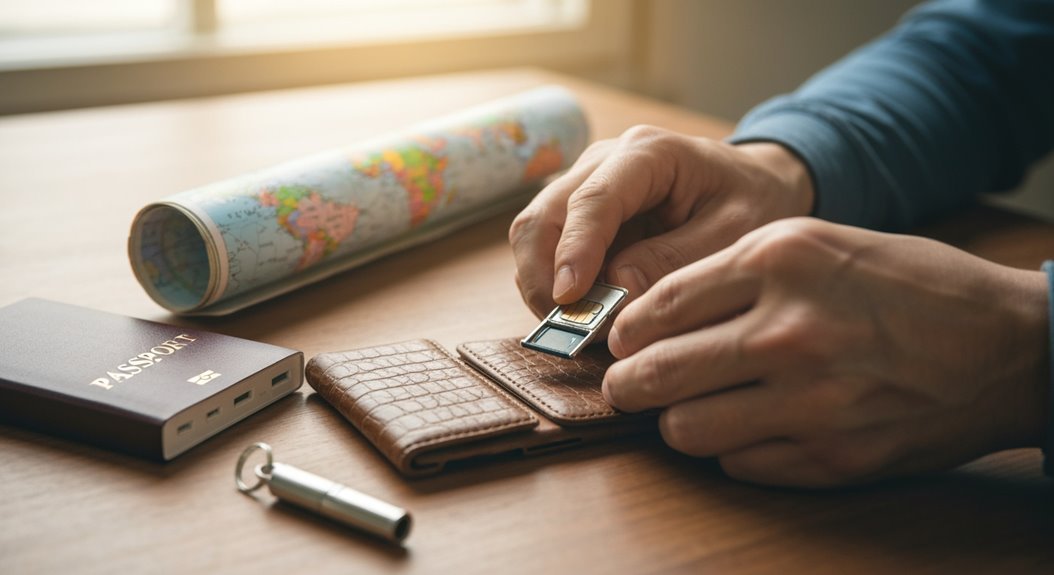
Setting up your phone for emergencies abroad is essential. Start by saving local emergency numbers (for example, Japan’s 110 or South Africa’s 10111) so you can call quickly when needed.
Enable your phone’s Emergency SOS and set up a Medical ID to share vital health information with responders. These built-in features can streamline help in a crisis.
Customize and test your emergency contacts so the right people are notified. Also jot down your country’s exit code for international calls to make dialing easier.
Carry a paper copy of key numbers and instructions as a backup, and review these settings whenever you travel to a new country.
Understanding Emergency SOS Features
When you’re adventuring abroad, it’s not just dreamy sunsets and delicious street food that should make the list of your travel essentials—understanding Emergency SOS features could also save the day! Imagine being in a remote mountain range with no cell signal, and you need help. That’s where satellite-based SOS comes into action. If you’ve got an iPhone 14 or later, the magic happens with a clear view of the sky. Just remember, Emergency SOS via Satellite not every country supports this feature!
Key Local Emergency Numbers to Know
In Asia, Japan has 110 for police and 119 for fire and ambulance, so jot those down! South Africa mixes it up with separate numbers for services, like 10111 for police. These numbers change from place to place, and keeping track can save you time—and maybe even your life! It’s crucial to know local emergency numbers for direct dialing without prefixes. So, grab your phone and store these critical digits to guarantee you’re prepared. Trust me, being savvy with emergency contacts can really make a difference when adventure strikes!
International Calling Procedures
You might think that making a call abroad is a complicated puzzle, but it’s easier than you think! First, you’ll need the country exit code, which usually starts with “00” or “+”. Simply follow that with the destination country code and then the phone number.
For instance, calling the U.S. from Japan means dialing 010 for Japan’s exit code, plus 1 for the U.S. country code, and then the local number. Got it?
If you want to skip all those numbers, using “+” is a lifesaver on your mobile phone! And don’t forget about VoIP services like WhatsApp or Skype. They can save you money when connected to Wi-Fi. Just make sure those apps are ready to go before you need to call, and double-check your internet works in your destination. Travel assistance providers are also available to help you with any emergencies you may encounter while abroad.
With these steps, you’ll be ready to reach out, even in emergencies!
Customizing Emergency Contacts
Making a call abroad might feel a bit like solving a mystery, but once you’re set up, keeping in touch becomes a breeze!
Customizing your emergency contacts is a great way to guarantee help is just a tap away. It’s key to add contacts who can actually support you in an emergency, so here’s how to do it:
- For iPhones: Use the Health app’s Medical ID. Just make sure your contacts are saved first!
- On Android: Head to Settings, and find the emergency information section or the Contacts app, then create an “ICE” (In Case of Emergency) group.
- For Samsung devices: Navigate to Settings > Safety and emergency to add contacts straight from your list.
Don’t forget to update these contacts, because the right info could make all the difference when you need help the most!
Stay safe and travel smart!
Using Phone Features in Limited Service Areas
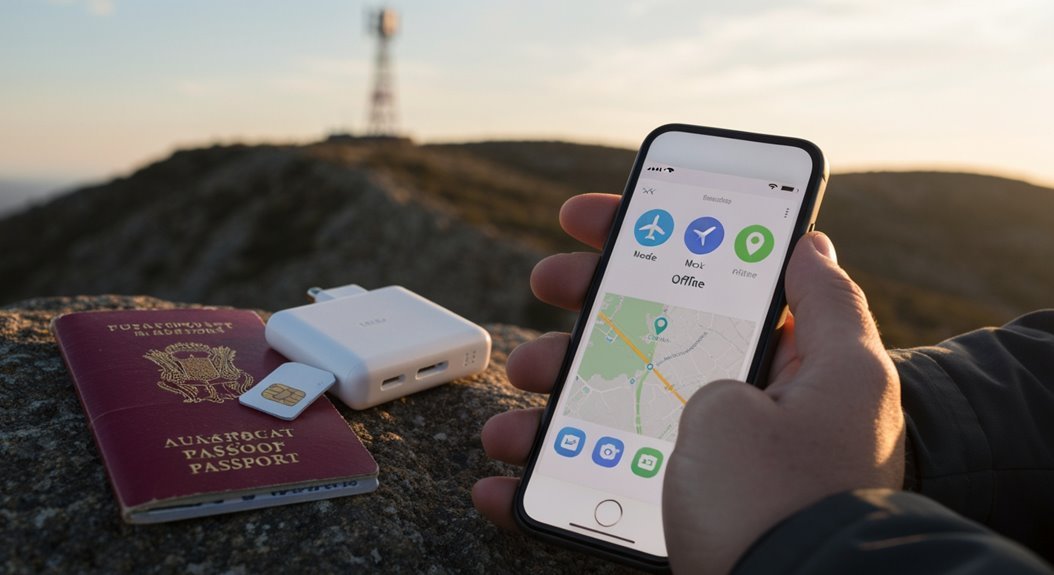
Managing emergencies abroad can feel overwhelming, especially when you’re in a limited service area, but don’t worry! You can easily turn on airplane mode to avoid those pesky roaming charges.
While in this mode, your camera and other fun features still work. Plus, you can still connect to Wi-Fi, letting you use texting and calling apps to stay in touch. Look for free Wi-Fi spots in cafes or airports when cellular signals are low; they can be lifesavers!
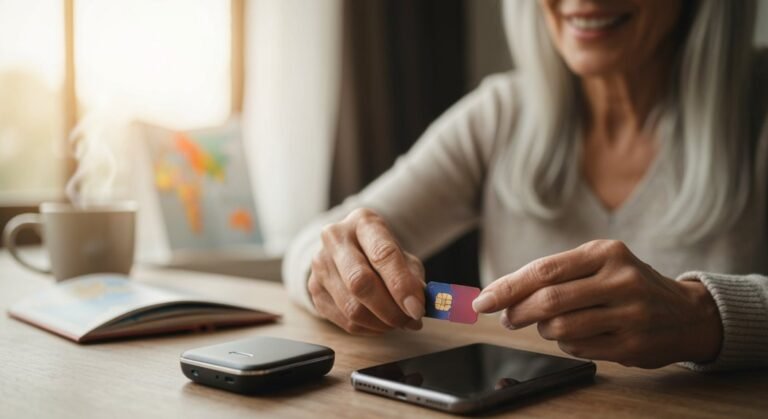
If you find yourself in a truly remote area, consider using a satellite phone; it’s reliable and works where regular networks can’t. For longer trips, grabbing a local SIM card saves you from those shocking international fees.
And hey, if you have Google Fi or T-Mobile, you can activate coverage without any hassle—just turn off airplane mode and you’re good to go!
Emergencies don’t have to be frightening, especially with your trusty phone in hand!
Preparatory Steps for Emergency Situations
When you’re gearing up for an adventure abroad, having a solid plan for emergencies can turn potential panic into peace of mind. It’s all about being prepared, so let’s get that phone of yours ready!
Start by saving vital emergency numbers, like the local equivalent of 911, and the contact details of the nearest U.S. consulate or embassy. While you’re at it, gather in-country contacts, including local police and medical services.
Here’s a handy checklist to help:
- Keep digital and printed copies of your passport, visa, and insurance cards.
- Share your itinerary and emergency contacts with trusted family or friends.
- Download essential travel apps for health emergencies and emergency contacts.
With just a bit of preparation, you’ll be ready to tackle any hiccup that comes your way on your trip.
Happy travels, and may your adventures be full of joy and devoid of drama!
Additional Tips for Staying Connected Abroad
How can you stay connected while exploring the globe?
First off, consider getting an eSIM—it’s like magic! You can roam at rates as low as $0.004-$0.01 per MB, far better than the $5-$10 you’d pay with traditional roaming. If you’re feeling adventurous, grab a prepaid international roaming card to control those pesky costs while enjoying tailored packages.
Don’t overlook daily roaming passes, either; they’re priced between $5 and $15 for a limited time of access and can save you a ton!
And remember, Wi-Fi is your new best friend! It’s everywhere from cafes to hotels, so keep a lookout for those access points.
Finally, make sure your phone can tap into 4G or even 5G networks—it’ll make your connection much smoother. Plan ahead, stay connected, and enjoy your travels worry-free!
Frequently Asked Questions
How Can I Ensure My Phone Is Unlocked for International Use?
To verify your phone’s released for international use, start by contacting your carrier’s customer service. They’ll confirm if your phone’s good to go!
Check that your device’s fully paid off and in good standing, too. If you’ve met all requirements, request an release.
Once you get the green light, pop in a local SIM card or use an international eSIM. Your phone’ll be ready for adventures, minus those pesky roaming fees!
Happy travels!
Will Using Emergency SOS Affect My Phone’s Battery Life?
Yes, using Emergency SOS can give your battery a workout!
While it’s there to keep you safe, when activated, it uses GPS and cellular data, draining your battery much quicker—3 to 4 times faster, in fact!
If you’re frequenting high-intensity situations, your phone might enjoy a bit too much of this energy expenditure.
Can I Use Two Different SIM Cards for Emergency Contacts?
Absolutely, you can use two different SIM cards for emergency contacts!
It’s a smart move to separate your daily chatter from critical calls. With one SIM for emergencies, like important alerts, and another for casual texts, you’ll stay connected without fuss.
Just remember to keep both SIMs topped up and active. It’s like having a superhero sidekick—always ready when needed!
What Should I Do if My Phone Is Stolen Abroad?
If your phone gets stolen abroad, don’t panic!
First, use location services like Find My iPhone to track your device. Lock it down, and change all your important passwords faster than you can say “where’s my phone?”
Report it to local authorities and notify your mobile provider to suspend service.
While it’s tempting to chase thieves, remember safety first—get your loved ones to help and focus on securing your data instead!
Are There Apps for Finding Local Emergency Services?
There are fantastic apps for finding local emergency services wherever you roam. For instance, Emergency Plus connects you to fire, police, or medical help with just a tap.
Travel Smart offers direct access to emergency numbers worldwide, making it a breeze to contact services in a pinch.
Plus, with My SOS Family and Emergency App Ultra, you can send SOS alerts even offline!
Conclusion
So, as you gear up for your adventure, don’t forget your phone’s emergency features—think of it as your trusty, knight-in-shining-armor, ready to swoop in when things get tricky! Knowing key numbers, customizing contacts, and prepping can make all the difference when you’re abroad. Stay connected, keep your wits about you, and perhaps add a dash of humor to any hiccups you encounter. With a little planning, you’ll be ready to tackle whatever comes your way! Safe travels!